
When the Source File Isn’t Usable
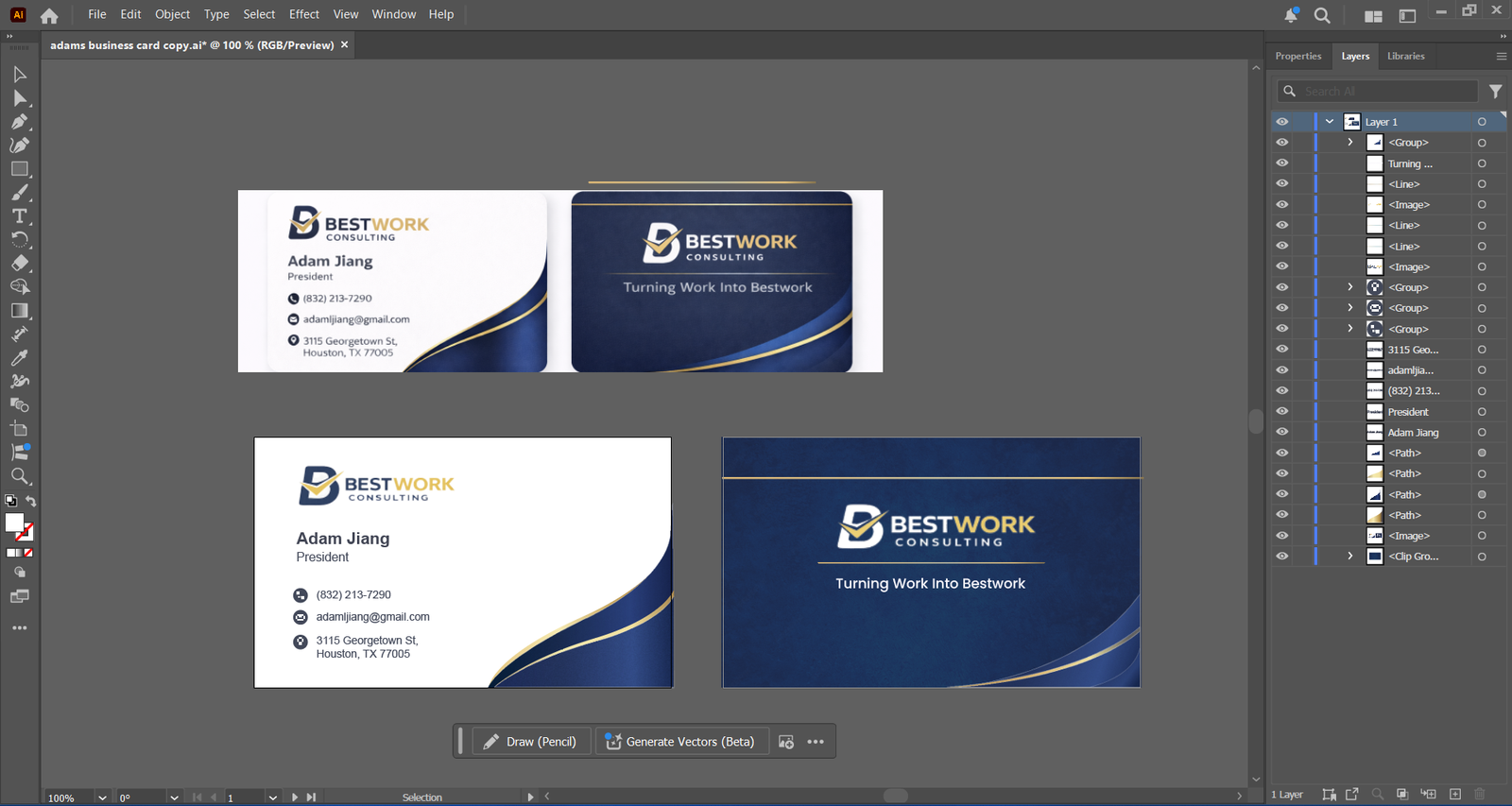
A client sent over a low-resolution PDF of a business card and asked for information updates before print.
That was the only file their customer had.
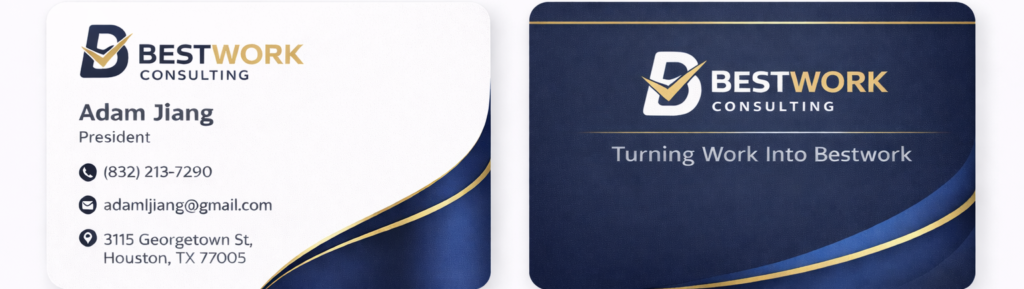
At first glance, it looked workable on screen. But in production, it would have created problems immediately
What Was Wrong with the File
The PDF had multiple issues that made it unreliable for printing.
The logo was pixelated. Text was flattened and not editable. Colors were inconsistent, and the overall structure lacked proper print setup.
On top of that, the client needed updates to the contact details, including a phone number and address change.
Trying to patch the file would have only delayed the issue.
Why Rebuilding Was the Right Move
Instead of stretching the artwork or editing over it in Photoshop, we rebuilt the card properly in Adobe Illustrator.
We redrew the logo as vector, matched the original typography as closely as possible, and recreated the layout with correct spacing, alignment, and margins.
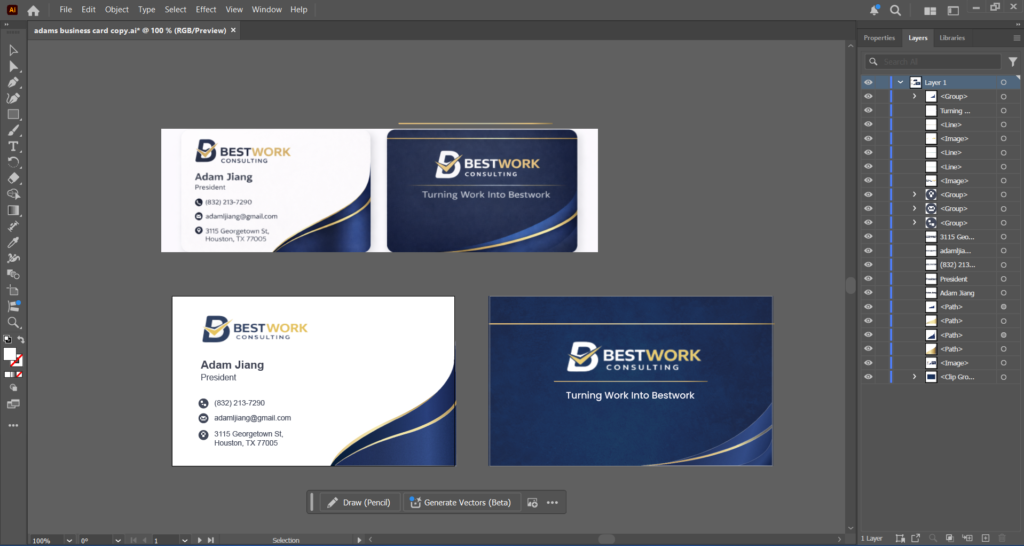
The file was then prepared in CMYK with proper bleed, trim marks, and safe zones for production.
The Long-Term Fix
Rebuilding took more effort upfront, but it solved more than just one print run.
The printer now has a proper working file for future orders, making edits faster and reducing setup time on repeat jobs.
What was once a problematic PDF is now a dependable production asset.